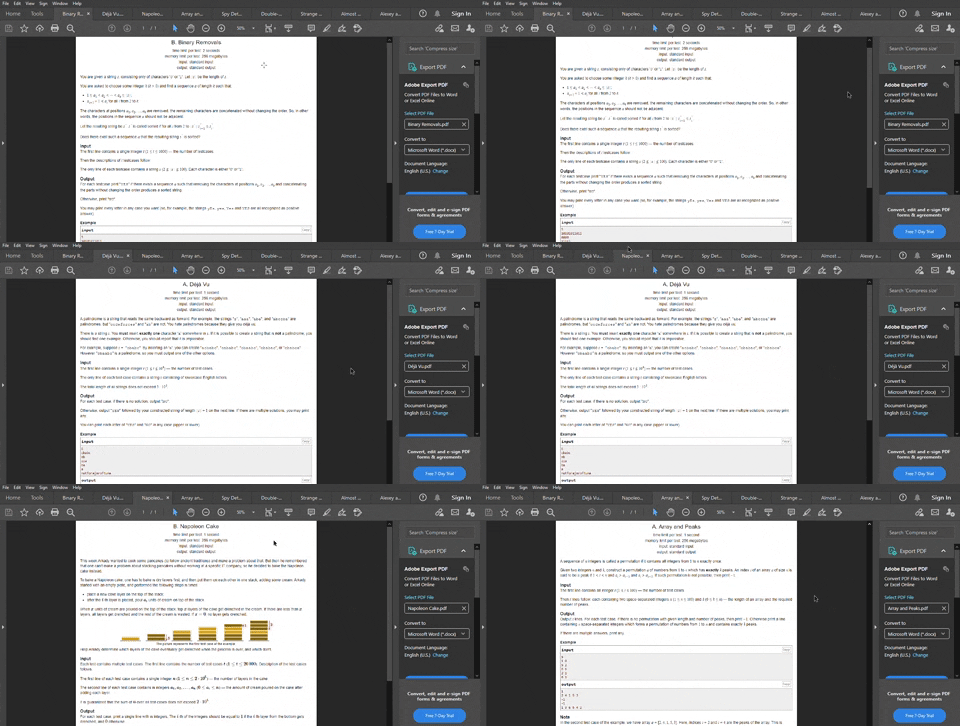
This python script will let you download any number of Problem Statements from Codeforces and save them as a pdf file. The script uses Selenium Webdriver and fpdf library. Selenium is used with Chrome Webdriver, so having Chrome browser is a requirement.
-
Create a virtual environment and activate it.
-
Install the requirements
$ pip install -r requirements.txt $ python Codeforces_Problem_Scrapper.py
The program will ask you to enter:
- DRIVER PATH
- VALID Difficulty Range of PROBLEMS.
- Number of Questions to Scrape.