This is a chrome extension that allows you to define your own pre and post prompts that are added to the chatGPT prompt.
Click on this image to get to the youtube video:
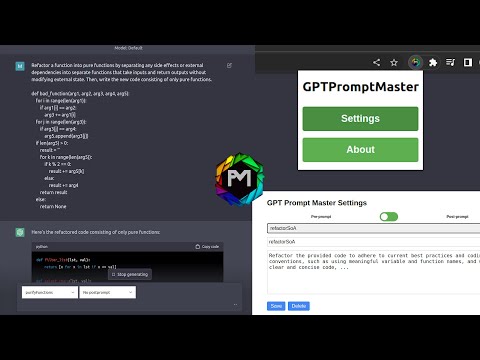
To define your own pre and post prompts, go to the extension options and click Settings:
In the settings, you can define your own pre and post prompts:
To use your pre and post prompts, go to the chatGPT website and select the created promtpts directly in the text field:
The pre and post prompts are added to the prompt only if you submit the prompt with the button in the textarea.
To install the extension from source, you need to clone the repository and load the extension into your browser.
In chrome open the extensions page by typing
chrome://extensions
in the address bar.
Then enable the developer mode in the top right corner and click Load unpacked.
Then select the folder of the cloned repository and the extension should be loaded.